Getting started with DeepCharts and DeepDom: the beginner course
Module 04 · 4 · Setting up DeepChart's order flow toolsLesson 16 of 369 min🔒 Students only
Big Trades and Deep Trades: seeing the large orders
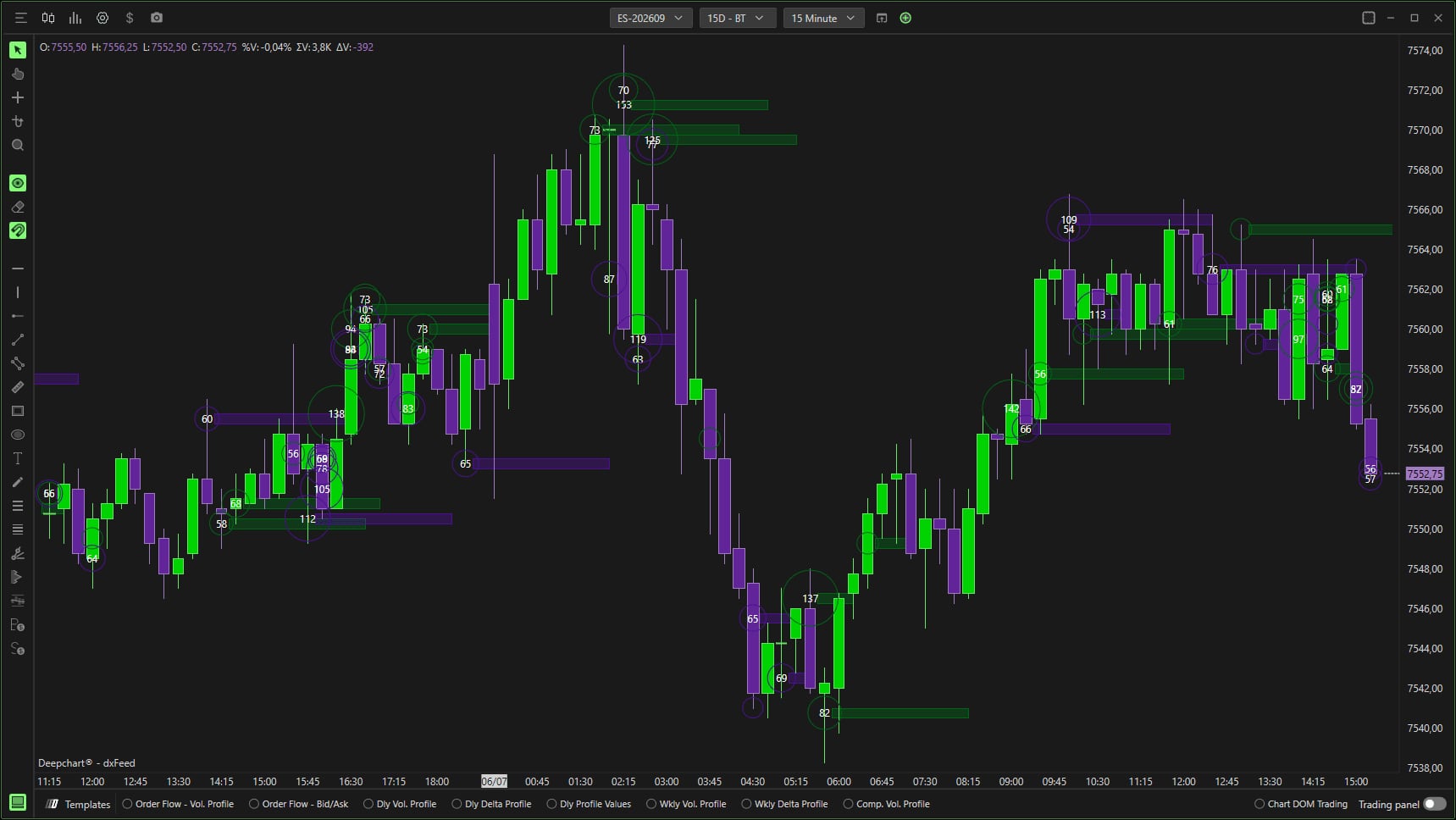
Two DeepChart indicators mark large executions on the chart, and their names are confusing. Since version 15.6, the former Deep Trades is called Big Trades: it works on the aggregated trades of the standard feed and runs without MBO data. The name Deep Trades now refers to another indicator, which relies on MBO data, order by order. Trust the title of the settings window, not your memory.
A beginner starts with Big Trades: it works with every feed and is set up in a few minutes.
Student access · free
The rest of this lesson is for students
Also in this lesson
- Big Trades: data first
- Automatic mode and Big Trades Analysis
- Appearance and zones
- Deep Trades, when you have MBO
It's free: create your account with your email or Discord, and every course opens right away.
→ Delta, profiles and tape speed: the settings that matter