Getting started with DeepCharts and DeepDom: the beginner course
Maintaining the database and repairing a symbol
DeepCharts stores locally all the market history it displays, including the MBO history it builds up while you trade. Over time, this database grows and slows the platform down; sometimes, a symbol's history gets damaged and the chart freezes or shows gaps. Both cases have simple remedies, provided you choose the right one and start with the lightest.
All of these operations are done outside the session, with the workspace closed and the feeds disconnected.
Maintenance: Migrate / Compress
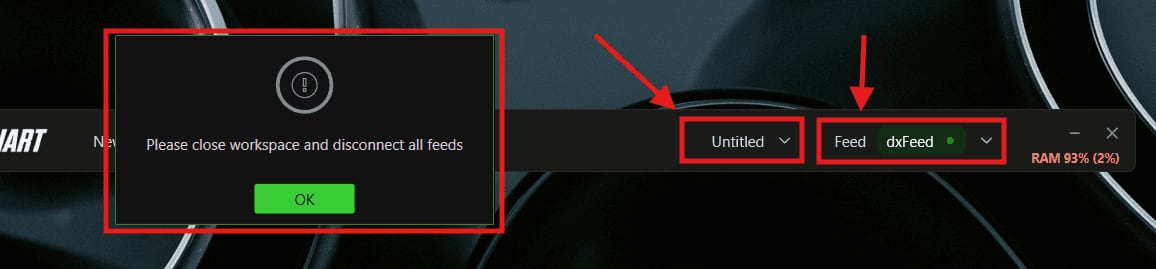
Close the workspace and disconnect all feeds: otherwise, DeepCharts stops you with the message “Please close workspace and disconnect all feeds”.
Then Options, Database, Settings, Migrate / Compress, the confirmation, and the Utility window with Compress switched on: OK, and let it run to the end without shutting down or putting the machine to sleep. DeepCharts announces up to 90% less size. The right slot: Friday evening, after the close.
The rest of this lesson is for students
- Choosing the remedy from the symptom
- Repairing a single symbol: Delete Data
It's free: create your account with your email or Discord, and every course opens right away.
→ Common breakdowns, and their remedy