Getting started with DeepCharts and DeepDom: the beginner course
Module 03 · 3 · The DeepChart interfaceLesson 11 of 368 min🔒 Students only
Your first chart, zone by zone
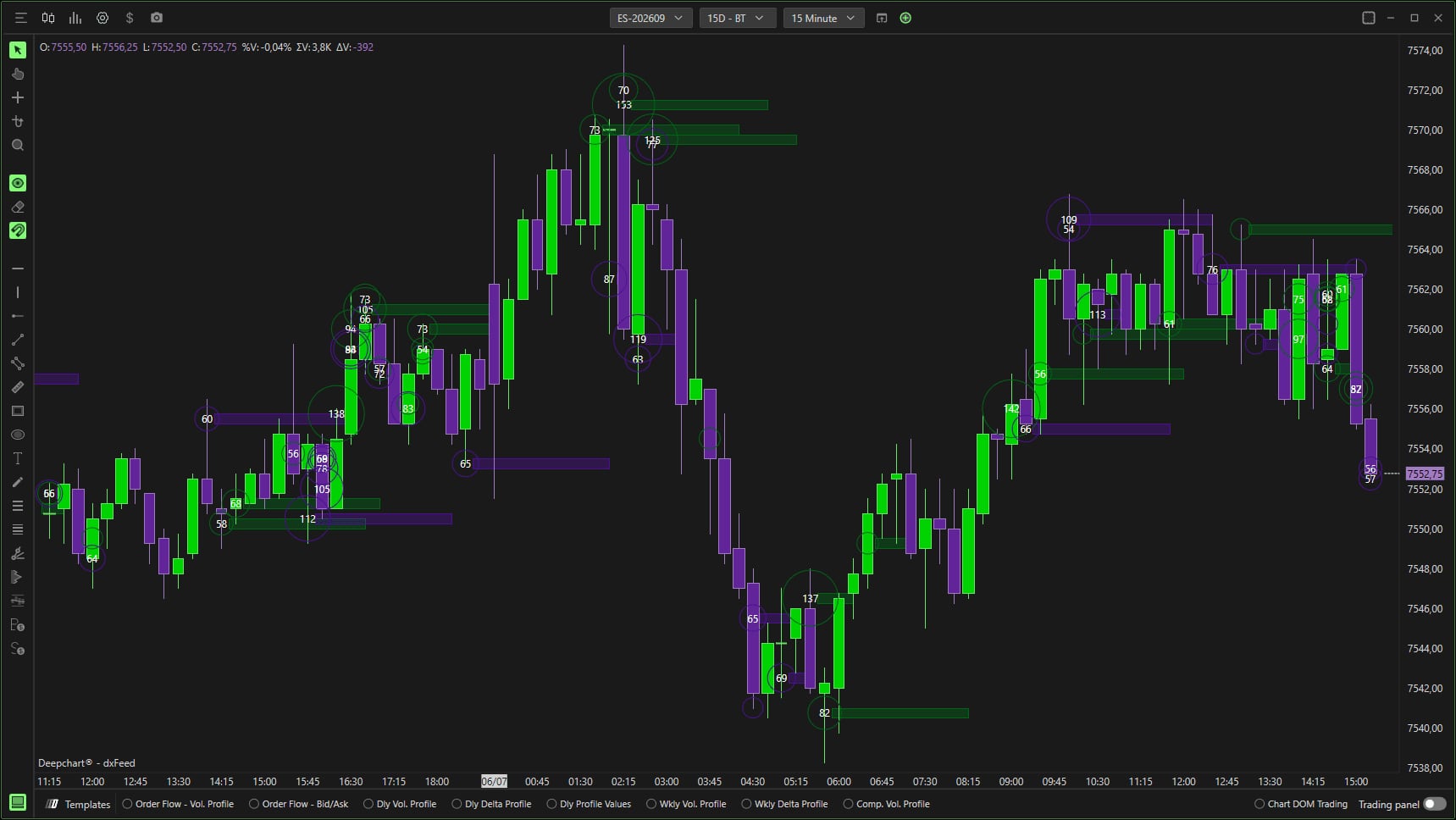
A DeepChart chart looks like any other trading chart, but a few zones are specific to it, and they hold most of what you will set up. This lesson walks around an open chart, from the top bar to the bottom bar, so that you know where to look before you start looking.
To open a chart: New, Price Chart, pick the instrument, OK. The chart opens with its default settings.
Student access · free
The rest of this lesson is for students
Also in this lesson
- The top bar
- The left bar
- The bottom bar: Templates
It's free: create your account with your email or Discord, and every course opens right away.
→ Adding and setting up an indicator